Power cuts and remote work in Colombia: a backup plan for electricity and internet
Updated: 13 October 2026 · Colombia Untold
Quick answer: In Colombia power cuts are either scheduled for maintenance or unplanned due to faults, and are more frequent in some Caribbean areas and rural zones. A backup plan for remote work combines battery backup (UPS or portable power station), mobile data with a second SIM, cloud copies and a nearby coworking space.
Working remotely from Colombia is, in general, a comfortable experience: there is fibre in the big cities, coworking spaces in almost every neighbourhood and payment apps for nearly everything. But a discreet enemy appears when you least expect it: the power cut in the middle of a video call. Blackouts are not a constant across the country nor do they follow a single pattern; they depend on the city, the type of network, the time of year, maintenance works and specific faults. In Bogotá, Medellín or Cali they are relatively rare and short, but in some parts of the Caribbean coast, in mid-sized towns and in rural areas they can be more frequent, and in seasons of low reservoirs the authorities have warned of risks to the system. The sensible response is not panic but preparation: a simple, cheap, tested backup plan that protects your work, your equipment and your income. This guide helps you design it.
Why power cuts happen
Cuts fall into three groups. Scheduled ones respond to maintenance, expansion or modernisation works on networks; companies announce them in advance on their websites, social media and notices to users. Unplanned ones happen through faults in transformers or networks, accidents, heavy rain, short circuits, strong winds or third-party damage. And structural ones appear when the power system has supply problems, such as a prolonged dry spell that lowers reservoir levels or generation-plant failures; in those cases authorities may apply saving measures or, in extreme situations, scheduled rationing. The latter is exceptional, but it is wise to follow communications from the Ministry of Mines and Energy and your area’s company. Each municipality has a different network operator, and service quality varies. Users have rights regarding service quality: CREG regulation sets indicators for the duration and frequency of interruptions and, when exceeded, companies must compensate users. If your area suffers recurrent cuts, document dates and times and file a petition or complaint with the company and, as a second instance, with the Superintendence of Household Public Services.
What is affected when the power goes
A power cut does not only turn off the lights: it affects the whole ecosystem you use to work. The router and modem stop, so home internet drops even if the provider is active. Lifts stop, and in tall buildings this can be a logistical problem. The water pumps that lift water to the tanks stop, and if the cut lasts, water runs out too; see Water, tanks and pressure in Colombian buildings: what a foreign tenant should know. Electronic front desks, electric locks and cameras can fail if the building has no generator. The fridge thaws food after several hours. And the phone, your last resort, runs down. That is why the backup plan must cover power, connectivity, information and logistics.
The power backup plan: three levels
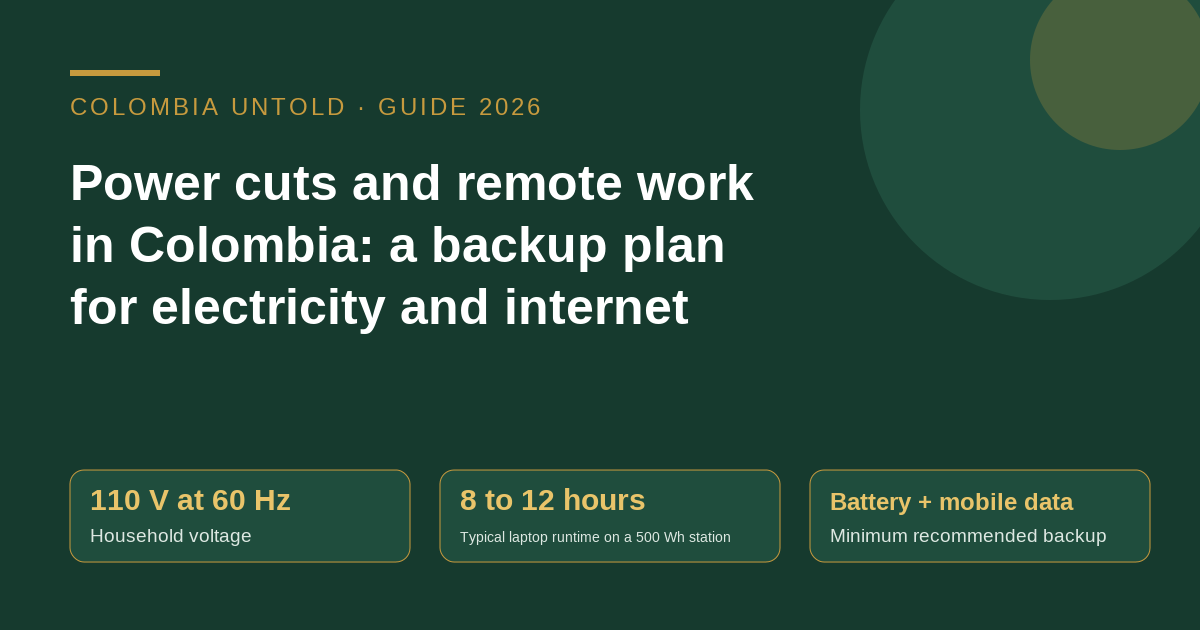
Level 1: the minimum (low cost). A power bank for the phone, a laptop charger with enough battery and the habit of charging devices when you see a scheduled-cut notice. With this you can finish a meeting, save your work and keep in touch. The laptop, having its own battery, holds for several hours; the problem is the connection. Level 2: working autonomy (medium cost). A small UPS (uninterruptible power supply) for the router and modem, which keeps fibre internet running for an hour or two, and a portable power station of about 300 to 600 watt-hours that powers the laptop, phone and router through the working day. A 500 Wh station can sustain a standard laptop for eight to twelve hours, depending on consumption. Watch the specifications: not all handle large appliances. Level 3: resilient home (high cost). Solar systems with batteries, inverters and generators for those who work permanently in areas with recurrent cuts or on a farm. It requires technical advice and, in a building, administration approval.
Voltage, regulators and equipment protection
Household voltage in Colombia is 110 volts at 60 hertz, with type A and B sockets similar to North America; if you come from Europe or another region, check that your equipment supports that voltage or bring suitable adapters and transformers. Voltage spikes when power returns can damage equipment, so use surge-protected power strips or regulators, especially for the computer, the router and the fridge. Unplug delicate equipment during severe electrical storms and do not use overloaded extension leads.
The connectivity backup plan
Power is half the problem; the other half is the connection. - Mobile data as backup: a data plan with good coverage and the hotspot function lets you keep working when fixed internet drops. To choose an operator and plan, see SIM and eSIM in Colombia for foreigners, “Unlimited” data: fine print and SIM, chip and internet for foreigners in Colombia. - Second SIM or eSIM: from an operator different from your main one, because coverage varies by area and a tower may depend on its own power line. - 4G/5G router: a device with an internal battery and SIM card as a permanent backup. - Test the backup: run a test video call over the hotspot to know how much quality to expect and how much data it uses. - Nearby coworking or café: identify two options within ten minutes of home with a generator and good internet; see Coworking and remote work in Medellín and Bogotá and Coworking and cafés for remote work in Colombia.
Work protocol for critical days
- Notify your team and clients, with a standard message, when you have a cut; others appreciate the clarity and reduced uncertainty.
- Sync files with the cloud and work with automatically saved versions.
- Keep your team’s contact numbers and an alternative communication route, such as a messaging group, at hand.
- Schedule heavy tasks, such as renders or file uploads, when power is stable.
- If you have critical meetings, have a fallback: switch to audio, use your phone with data and give notice.
- Record the cut times so you can claim for service quality.
Electrical safety
During a cut, avoid candles in closed spaces or near curtains; prefer torches or rechargeable LED lights. Unplug large appliances to avoid spikes when power returns, leave one light on to know when service is back and check there is no burning smell. If you see fallen cables, do not touch them and call 123 and the power company. Petrol or diesel generators must never be used in enclosed spaces because of carbon-monoxide poisoning risk. If you have any medical equipment dependent on power, consult your doctor about a special plan. For health and emergencies, see Emergency numbers and Basic first-aid kit for expats.
What to state in your lease or work contract
If you rent, ask about the building’s history of cuts and the existence of a generator, tank capacity and fibre connection. If you work for a company abroad, clarify in your contract or agreement how interruptions from causes beyond your control are handled: a day without service due to a power or internet failure should not be treated as non-compliance. See Renting in Colombia for foreigners and Time zones and remote work from Colombia.
Budget for the backup plan
A basic scheme (power bank, second SIM, protected strip and a small UPS) can cost a fraction of what you would lose in a day without connection; a 500 Wh portable station raises the investment but gives full-day autonomy. Think about what your working hours are worth and how many cuts a year you expect, and compare. If you work with critical clients, backup is an investment, not a luxury.
Insurance and equipment backup
Work equipment, such as the laptop, phone and monitor, can be damaged by voltage spikes or theft. Consider home or contents insurance that covers electronics; see Home and property insurance for foreigners and Phone: insurance and theft prevention. And for your trips, Protege Tu Viaje offers discounts of up to 65% on insurance with baggage and health cover.
Choosing city and neighbourhood with resilience in mind
If your work depends on connectivity, include service reliability in your choice of city and neighbourhood: ask neighbours about the frequency of cuts, see whether the building has a generator and find out which fibre operators reach it. Compare cities in Best 10 cities to live in Colombia and work environment in Coworking and remote work in Medellín and Bogotá.
A sample working day with a blackout
It is 10:00 and you have a meeting at 10:30 with a client in another time zone. At 10:10 the power goes out. With an orderly backup plan, the laptop carries on with its battery, you connect the phone as a hotspot, send the client a one-line message (“I had a power cut; I am joining over mobile data and the video may be limited”), and the meeting goes ahead without drama. Without a plan, you lose twenty minutes hunting for chargers, the client waits and your professional image suffers. The difference between the two scenarios costs less than a dinner, and it can be prepared in an afternoon. It also helps to keep a short written checklist taped near your desk: charge laptop and phone, switch to hotspot, message the team, save and sync files, move to the backup location if the cut exceeds an hour. In a stressful moment a checklist is faster than memory, and it lets anyone who shares your home or workspace follow the same steps.
Frequently asked questions
How often are there blackouts in Colombia?
It depends on the area. In big cities they are infrequent and short, while in some parts of the Caribbean coast, mid-sized towns and rural areas they can be more frequent. Scheduled cuts are announced in advance on each company’s channels.
What is better for remote work: a UPS or a portable station?
A small UPS keeps the router and modem running for a few hours and is cheap; a 300 to 600 Wh portable station gives a full day for laptop, phone and router. Many combine both with mobile data as backup.
Does my insurance cover damage from voltage spikes?
Some home or contents policies cover electrical damage to equipment; check conditions, deductibles and exclusions before relying on it. A protected strip and a regulator are inexpensive prevention.
Can I claim if cuts are frequent?
Yes. Document dates, times and duration, file a petition or complaint with the power company and, if there is no solution, go to the Superintendence of Household Public Services. Regulation sets quality indicators and compensation when they are exceeded.
What do I do if the power goes mid video call?
Switch to your phone’s hotspot, enable audio only if needed, message the participants and reschedule whatever cannot be completed. Having that protocol ready avoids stress.
Can I use a generator in an apartment?
Normally not inside the home: combustion generators produce carbon monoxide and noise. Building generators are managed by the administration. For personal use, portable battery stations are the safe alternative.
Key figures and data
| Item | Value | Note |
|---|---|---|
| Household voltage | 110 V at 60 Hz | Type A and B sockets, as in North America |
| Typical laptop runtime on a 500 Wh station | 8 to 12 hours | Depends on the device and the router’s draw |
| Minimum recommended backup | Battery + mobile data | So you do not lose a meeting or a file |
| Emergency line | 123 | For electrical hazards, fires and fallen cables |
Official sources and reliable reading
Related guides
General information based on current rules and practice; it may change. Confirm your case with the official source or an authorized professional. Not legal, tax or medical advice.