SIM and eSIM in Colombia for foreigners: roaming, travel eSIM, local SIM, IMEI registration, data calculation and scams
Updated: 13 October 2026 · Colombia Untold
Quick answer: To get mobile data in Colombia you have three routes: roaming from your carrier, a travel eSIM (no local contract) or a local prepaid SIM from a Colombian carrier. For arriving and getting around, an eSIM installed before the trip is fastest; for living here, a local SIM is cheaper and allows top-ups in shops. If you use a Colombian SIM with a phone bought abroad, the handset must be registered free of charge with the carrier. Calculate your data with GB = hours × GB per hour.
Arriving in a new country with no connection is the most uncomfortable thing that can happen to a foreigner: no maps, no ride-hailing, no way to say you arrived. Colombia offers good-quality coverage in the main cities and several ways to connect, but they are not all equally useful for a ten-day tourist and for someone moving here. This guide compares roaming, travel eSIM and local SIM, explains how to install an eSIM, what happens with IMEI registration, how to calculate the data you need and how to protect yourself from scams such as SIM swapping. For monthly line plans, see Prepaid or postpaid mobile in Colombia: which suits a foreigner, minimum term, IMEI, number portability and complaints and "Unlimited" data plans in Colombia: the fine print, speed throttling, hotspot, roaming and how to compare.
The three routes to data
- Roaming from your home carrier: the most convenient (you change nothing), but usually expensive per day and with data caps. It works for a short stopover. Before traveling, ask the daily rate, coverage in Colombia and fair-use limits. - Travel eSIM: a digital SIM you buy online from an international or local provider, install on your phone (by scanning a QR code or from an app) and it activates data with no physical card. In most cases it has no local phone number; it is ideal for the first day and for stays of a few weeks. - Local prepaid SIM: a line from a Colombian carrier (there are several with national coverage), with a local number for calls and messages, top-ups in shops and apps, and data packages. It is the best option for residents, because it gives you a Colombian number for banks, deliveries and procedures. They are not mutually exclusive: many newcomers install a travel eSIM before landing to have data immediately and, once settled, buy the local SIM.
How to install an eSIM step by step
- Check that your phone is compatible and unlocked (no carrier lock). Recent models of the main brands usually support eSIM; check the manufacturer's settings. - Buy the eSIM from a reliable provider and choose the data plan and days. - You will receive a QR code or an activation code. Install it from the phone's settings (mobile data or network section) and assign it as the data line. - Install it on Wi-Fi, before the trip if possible, and activate it on landing so the day counter doesn't start earlier. - Set the eSIM's data roaming to "on" and your usual line's off to avoid charges. - Save a screenshot of the code and instructions; many eSIMs can only be installed once. If your phone is dual SIM, you can keep your usual SIM to receive your home bank's verification messages and use the eSIM for data.
Buying a local SIM: what you need
Prepaid SIMs are sold at carrier points, shops and convenience stores. To activate the line, the carrier registers the user's details; bring your passport or foreigner ID card. At some airport points the offer is more expensive than in the city; compare. Choose a data package with validity matching your stay and check coverage in your neighborhood (carriers' coverage maps work as a guide). Top up from the carrier's app, in shops, at ATMs or by transfer. Keep the number somewhere safe, because you will need it for banks and apps.
Phones bought abroad: IMEI registration
If you bring your phone from another country and put a Colombian SIM in it, the handset must be registered with the carrier. According to specialist guides, the procedure is free, is done with your passport or foreigner ID card and proof of ownership, and has a deadline of about twenty calendar days after using the local SIM; if not met, the phone may be blocked on the national network. If you use a travel eSIM that operates as roaming, there is normally nothing to register. Don't pay third parties for this. For IMEI detail, blocking in case of theft and insurance, see Phone in Colombia: theft insurance, IMEI blocking, police report, registering foreign handsets and prevention.
How much data you need: a method
Estimate your monthly data by type of use. Formula: monthly GB = hours of use per month × GB per hour, summed by activity. Example of our own arithmetic with hypothetical assumptions, only to illustrate the method: video calls 20 hours a month at 1 GB per hour = 20 GB; standard-quality video 10 hours a month at 0.7 GB per hour = 7 GB; maps, messaging and social media, 3 GB. Total: 20 + 7 + 3 = 30 GB a month. If you work from home with fixed Wi-Fi, 10 to 15 GB will be enough; if you depend on the phone as a modem (hotspot), you will need more. Check your real usage in the phone settings during the first week and adjust. For fixed home internet, see Fiber internet in Colombia: how to choose a plan, speed, router, Wi-Fi, backup and what to ask before contracting, and for service cuts, Power cuts and UPS for remote work in Colombia: rights, compensation, runtime calculation and backup plan.
Sharing internet: hotspot and backup
Sharing the phone's data with a laptop is practical for working in cafés or during an internet outage, but it uses a lot of data and battery. Check that your plan allows use as an access point; some packages limit it. If you work remotely, consider having a backup: a second carrier or an eSIM with emergency data. It is one of the cheapest measures to avoid being left offline.
Scams and risks: SIM swapping and fake texts
SIM swapping happens when a criminal gets the carrier to transfer your number to another SIM and receives your verification codes by message. To reduce it: don't share personal data in calls or messages, enable a PIN or service password with the carrier if offered, use authenticator apps instead of SMS when the bank allows (see Dynamic keys in Colombian banks: what they are, how to activate them, what to do without a local number and how to avoid fraud) and distrust messages asking you to click links or return codes. If your phone loses signal unexpectedly and for no reason, call the carrier immediately from another phone. Buy eSIMs only from reliable providers and avoid those offered on social networks at unusual prices.
Coverage, quality and complaints
Coverage varies by city and area: capitals have good 4G quality, and in some cities there is 5G depending on the carrier; in rural areas, jungle and mountains there may be little or no signal. If you travel to remote areas, download offline maps and share your route. If you have a problem with your carrier (unauthorized charges, poor quality, no response), file a request, complaint or appeal with the carrier; if it does not resolve it within the legal period, you can go to the Superintendencia de Industria y Comercio. The CRC publishes the communications user-protection regime. See also Utilities in Colombia for foreigners: water, electricity, gas, waste, strata, bills and complaints for handling contracts and complaints.
A connection plan by profile
- Tourist for a few days: travel eSIM installed before the flight. - Stay of one to three months: travel eSIM or local prepaid SIM with a monthly package. - Resident: local SIM (prepaid or postpaid, depending on your status) to have a Colombian number; check postpaid requirements in Prepaid or postpaid mobile in Colombia: which suits a foreigner, minimum term, IMEI, number portability and complaints. - Digital nomad: local SIM plus an eSIM or second backup line, and fixed internet at home. If you are building your arrival, see Complete guide to moving to Colombia in 2026: visa, ID card, bank, health, housing, taxes and your first 90 days and Budget for your first 90 days in Colombia: method, template, worked example, buffer and mistakes.
Common mistakes
- Arriving with no connection and relying on airport Wi-Fi.
- Activating roaming without knowing the daily rate.
- Installing the eSIM without saving the code and being unable to reinstall it.
- Not registering the IMEI of a foreign phone used with a local SIM.
- Giving verification codes by message or call.
- Paying third parties for procedures that are free.
Common mistakes when choosing and activating a line in Colombia
The most common mistake is buying the SIM before checking that your phone is compatible. Before paying, confirm in the device settings that it is unlocked and supports the LTE and 5G bands used by local carriers. A phone bought on contract abroad may be locked to its home carrier and refuse a Colombian SIM.
- Extended roaming: using your home SIM for weeks usually costs more than a local line; compare the daily roaming fee with a prepaid plan or an eSIM.
- Unclear top-up validity: ask how many days the balance lasts and what happens to unused data before topping up.
- IMEI registration: if you bring a device bought abroad, check whether it must be registered to work permanently; the procedure is free and usually takes about 20 calendar days according to specialist guides.
- Coverage in your area: check each carrier's coverage map for your neighborhood or town, because signal varies between city, mountain and coast.
If you also need home broadband, see Fiber internet in Colombia: how to choose a plan, speed, router, Wi-Fi, backup and what to ask before contracting and the plan comparison in Prepaid or postpaid mobile in Colombia: which suits a foreigner, minimum term, IMEI, number portability and complaints.
Frequently asked questions
Is a travel eSIM or a local SIM better?
For the first days or short stays, an eSIM installed before the trip; for living in Colombia, a local SIM, which gives you a Colombian number and easy top-ups.
Do I need a passport to buy a SIM?
Yes, the carrier registers the user; bring your passport or foreigner ID card. Ask at the point of sale which document they accept.
Do I have to register my foreign phone?
If you use a Colombian SIM, the handset must be registered with the carrier at no cost; if you don't within the deadline, it may be blocked on the national network.
Is my phone eSIM compatible?
Many recent models are, but it must be unlocked. Check your phone's settings or the manufacturer's site.
How many GB do I need per month?
Calculate hours × GB per hour per activity. With video calls, video and maps, this guide's example gave ≈ 30 GB; with fixed Wi-Fi at home, 10 to 15 GB usually suffice.
How do I avoid SIM swapping?
Don't share codes, use authenticator apps when the bank allows, enable a password with your carrier and report it immediately if you lose signal for no reason.
Key figures and data
| Item | Value | Note |
|---|---|---|
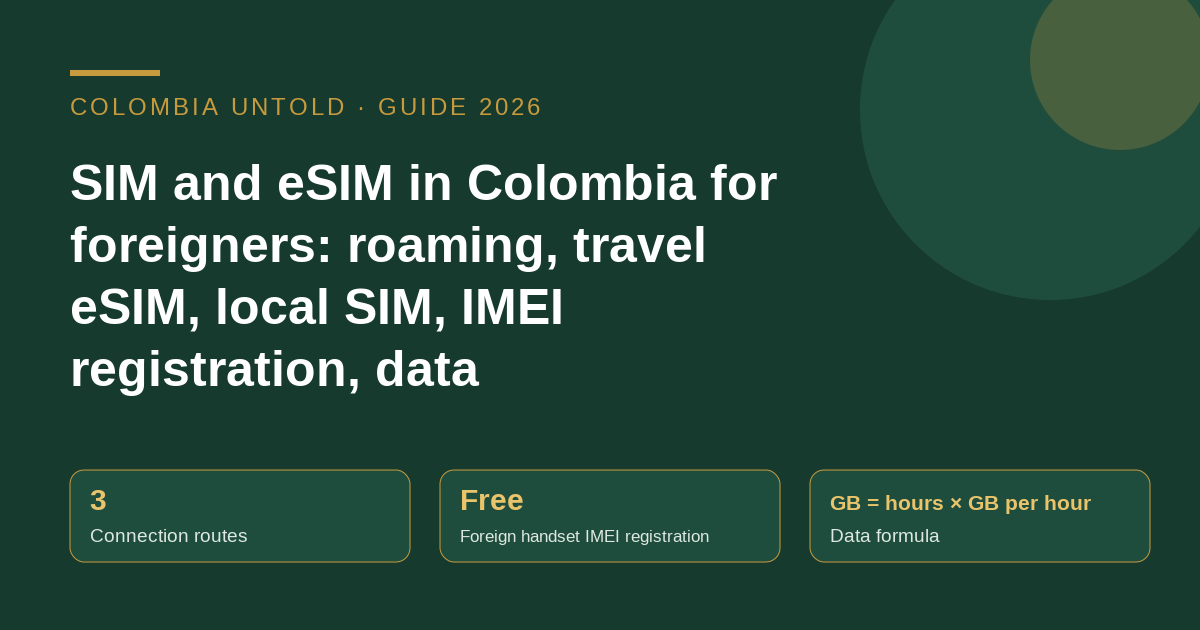
| Connection routes | 3 | Roaming, travel eSIM and local prepaid SIM |
| Foreign handset IMEI registration | Free | Done with the carrier; don't pay third parties |
| Data formula | GB = hours × GB per hour | Sum by type of use to estimate your plan |
| Monthly usage example | ≈ 30 GB | Hypothetical usage figures; own arithmetic |
Official sources and reliable reading
Related guides
- Travel insurance for relatives visiting you in Colombia: ages, pre-existing conditions, 90 to 180 days, altitude and how to quote
- Cycling and urban mobility in Colombia: bike lanes, safety and getting around without a car
- "Unlimited" data plans in Colombia: the fine print, speed throttling, hotspot, roaming and how to compare
General information based on current rules and practice; it may change. Confirm your case with the official source or an authorized professional. Not legal, tax or medical advice.